
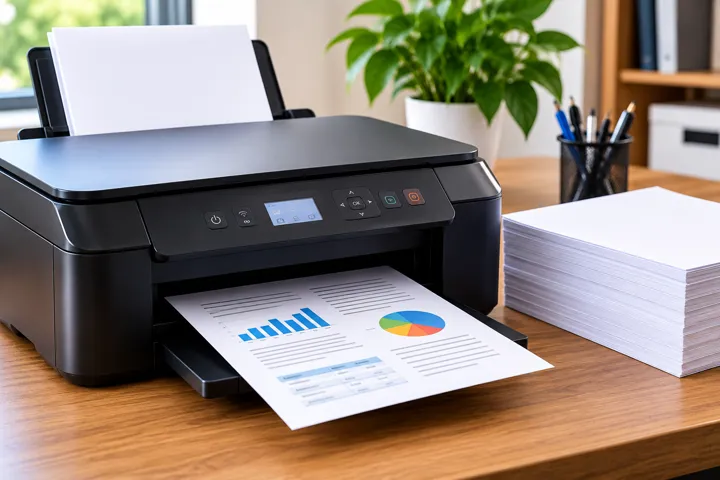
 Printer
 15 minutes
 4 steps
The printer offline é a problem common that can interrormper the produtividade. This guia explains the causas more frequent, how to check the connection, fix problems of print queue and reinstalar the printer for restaurar the comunicação. Learn how to avoid that the problem volte the ocorrer.
Why a printer fica offline?
O status 'offline' indica que o computador não consegue se comunicar com a impressora. Causas comuns incluem perda de conexão, fila de impressão travada, drivers desatualizados ou configurações incorretas.
How to check the connection of the printer
Confira se o cabo USB está conectado ou se a impressora está na mesma rede Wi-Fi. Verifique também se há mensagens de erro no painel da impressora e se os suprimentos estão adequados.
Common problems in the print queue
Documentos pendentes ou corrompidos podem bloquear a comunicação. Limpe a fila de impressão, reinicie o serviço Spooler e teste a impressão de uma página de teste para verificar a conexão.
Reinstalar the printer
Remova a impressora das configurações do sistema, reinicie o computador e adicione novamente. Atualize os drivers via site do fabricante para garantir a compatibilidade.
How to avoid that the problem volte
Mantenha os drivers atualizados, use uma rede estável e evite desligar a impressora durante impressões. Documente mensagens de erro para facilitar o diagnóstico futuro.
Step-by-step guide to fix the printer offline
Steps práticas for restaurar the connection and the impressão
-
1
Check connection physical
Confirme if the cable USB está bem conectado or if the printer está in the mesma Wi-Fi network. Restart the printer and the computer for resetar the comunicação.
-
2
Clear print queue
Abra the print queue, remova documents pendentes and restart the Print Spooler service via services.msc.
-
3
Update drivers
Baixe and instale the drivers latests of the fabricante of the printer. Restart the computer after the instalação.
-
4
Reconfigurar printer
Remova and adicione novamente the printer in the settings of the system. Check if the option 'Use printer offline' está desativada.
Steps to fix the printer offline
| Passo | Ação | Resultado Esperado |
|---|---|---|
| 1 | Verificar conexão física | Confirmar cabo USB ou conexão Wi-Fi |
| 2 | Limpar fila de impressão | Remover documentos pendentes |
| 3 | Atualizar drivers | Garantir compatibilidade com o sistema |
| 4 | Reconfigurar impressora | Restaurar configurações de rede |
Important Tips

Mantenha os drivers da impressora atualizados para evitar falhas de comunicação.
Use uma rede Wi-Fi estável e evite desligar a impressora durante impressões.
Documente mensagens de erro para facilitar o diagnóstico em caso de problemas recorrentes.
Frequently asked questions
Quick answers to common questions.
Why minha printer fica offline?
The printer can become offline devido the perda of connection, print queue travada, outdated drivers, settings incorretas or problems of hardware.
How to check the connection of the printer?
Check if the cable USB está conectado, the printer está ligada and in the mesma Wi-Fi network. Check also if há mensagens of error in the painel of the printer.
The that do if the printer estiver offline?
Check the connection physical, clear the print queue, update the drivers and reconfigure the printer in the settings of the system.
Related content
More practical solutions in Printer.