

Categoria
Computer
Computers, settings, and maintenance.
Practical guide
Sobre Computer
Computer provides guidance for handling common situations safely and with better information. These guides help you recognize the problem, understand likely causes, and decide what to do next.
You will find content about computers, settings, and maintenance. Each solution presents clear steps, important warnings, and signs that indicate when to stop and seek specialized help.
Start with the problem closest to your situation, review the recommendations carefully, and follow the safety measures before acting.
Most accessed problems
Explore also
 Mobile phones
 Internet
 Laptop
 Printer
 Digital security
 Apps
Apps Audio and video
 Smart TV
 Storage
 Email
Email Bluetooth
 Wi-Fi
Wi-FiSolutions for Computer
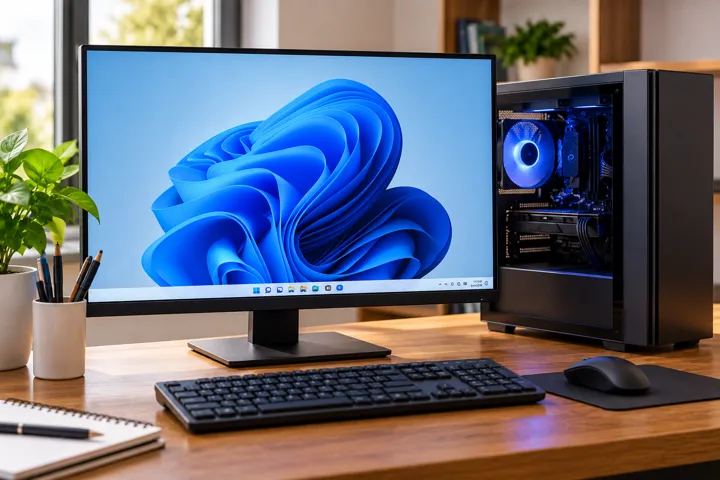
Computer Freezing Frequently
Learn how to identify the main causes of computer freezes and discover measures to improve system stability and performance.
 15-30 minutes
Computer Does Not Recognize USB: How to Fix It
Learn how to identify problems with USB ports, drivers, and devices when your computer does not recognize flash drives, keyboards, mice, or other accessories.
15 minutes
Deleted Files: How to Try to Recover Documents
Learn the first steps to take after deleting files from your computer and how to improve your chances of recovering important documents.
10 minutes
Mouse Not Working on PC: How to Fix It
Learn how to identify issues with USB and wireless mice, test connections, and fix common operational problems.
No Sound on PC: How to Restore Computer Audio
Learn how to identify common causes of missing computer audio and check volume, output devices, connections, and drivers.
15-30 minutes
PDF Won't Open: How to Troubleshoot the File and PDF Reader
Learn why a PDF may not open and how to identify problems with the document, download, permissions, or PDF reader.
10 minutes
Second monitor not detected in Windows: practical solutions
Find out why a second monitor is not detected in Windows and see practical tests to identify and fix the problem.
15 to 30 minutes for the initial checks
USB Flash Drive Not Showing Up on the Computer: What to Do
Learn how to determine whether an unrecognized USB flash drive has a connection issue, missing drive letter, file system problem, or possible physical failure.
Windows Update Stuck: How to Proceed Safely
Learn what to do when a Windows update appears stuck, how to determine whether the process is still running, and when to take action to fix the issue.
15-30 minutes
Frequently asked questions about Computer
Quick answers to common questions.
How do I find the right solution in Computer?
Choose the guide whose title and description best match your situation. Read the initial safety guidance before taking any step.
When should I seek professional help?
Seek a professional when there is a safety risk, missing equipment, worsening symptoms, or uncertainty about how to proceed.